Rovi Guide
Challenge
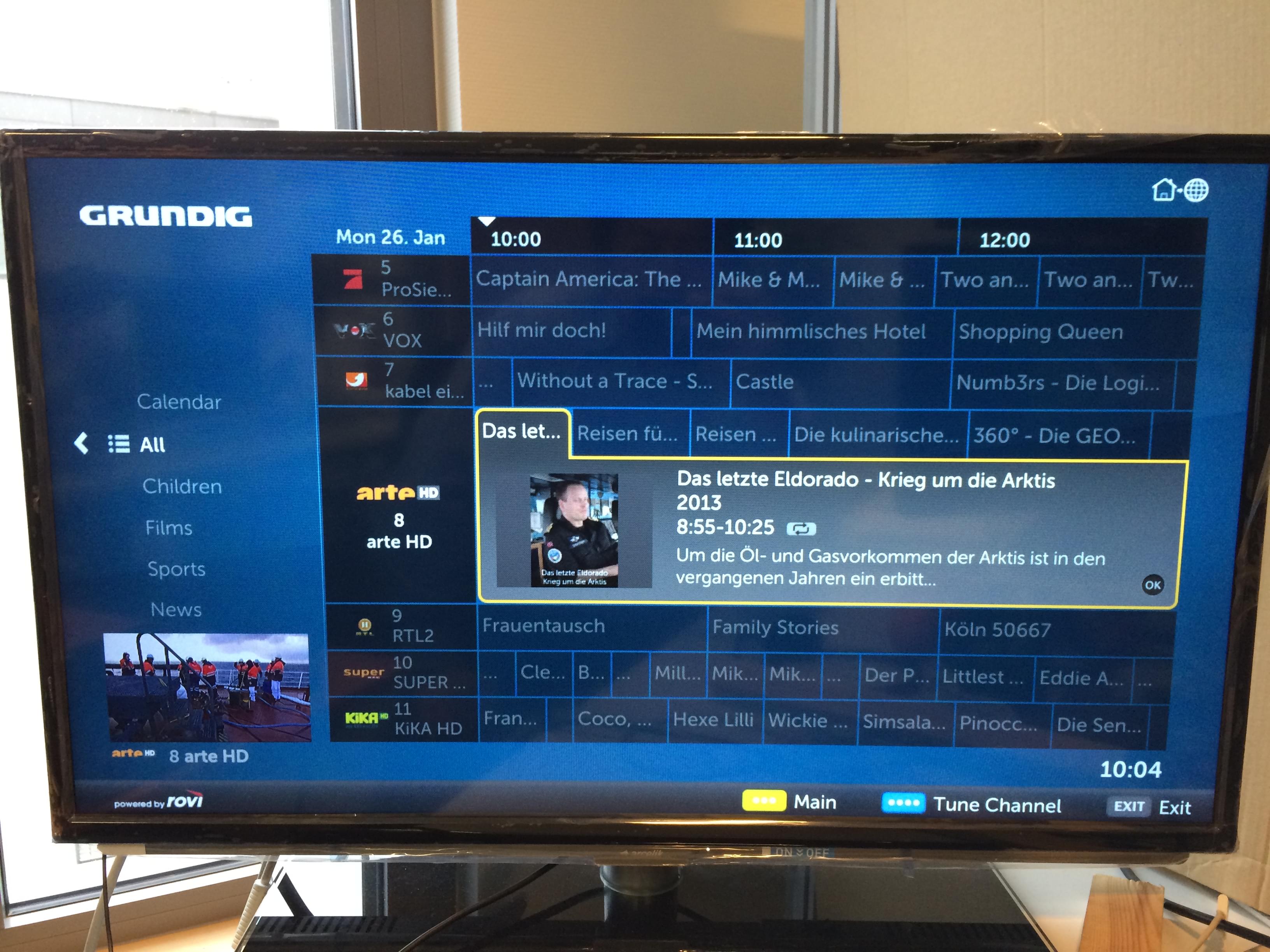
Rovi's business in 2014 was primarily based on providing TV guide data and IP to companies. Around this, Rovi had several TV guide products that were under active development - some web based, some set top box based. An effort was launched to combine these products into a unified experience that would scale from an embedded web page widget up to a next generation 4k set top box. The first application of the unified TV guide design would be an overhaul of an existing low power browser based TV guide made by Rovi and used on Grundig televisions. This was a European product so it would have to accommodate multiple languages and provide access to multiple country specific streaming services out of the box.
Process
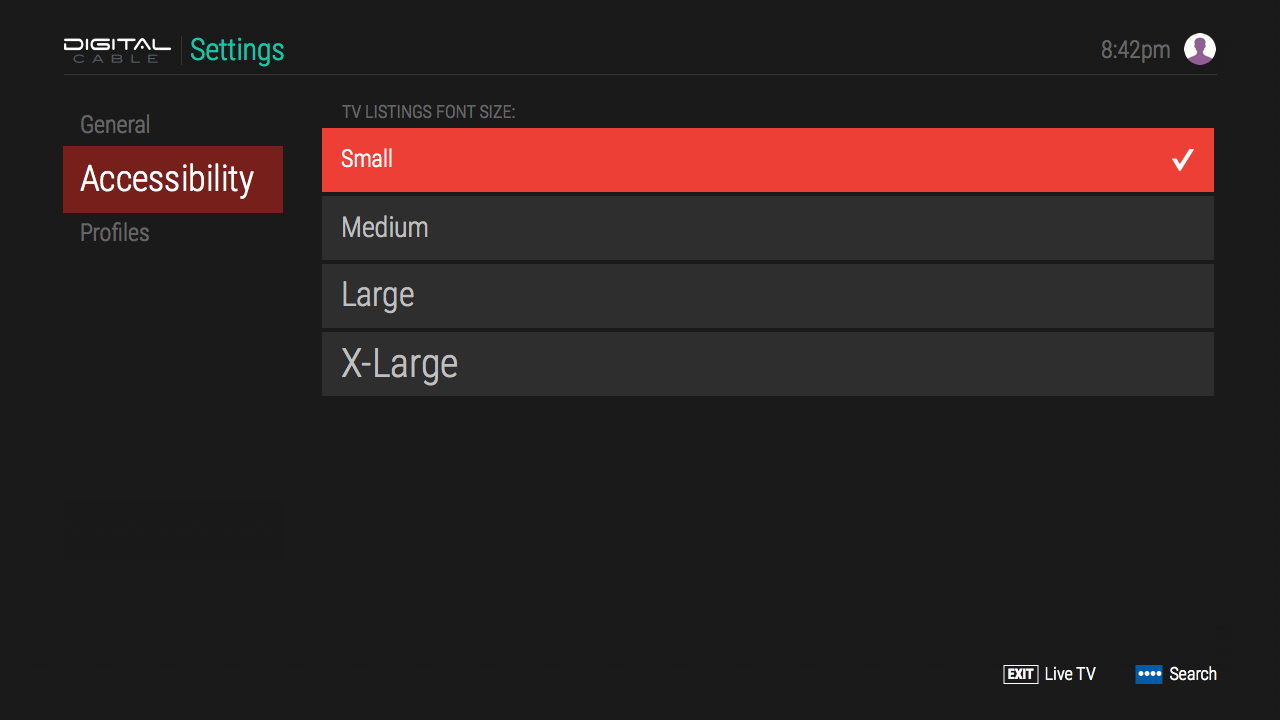
Several teams were creating concepts for this next generation set top box, and after prototyping, testing, and presenting a concept at the yearly IBC trade show, we had positive feedback and a design direction. The final product designs would have to be expanded to cover additional use cases such as DVR recording/management, advanced search, multiple profiles, on demand catalog browsing, hardware remote button shortcuts, persistent on screen live TV on main pages, and accessible text resizing.
Browsing Solution
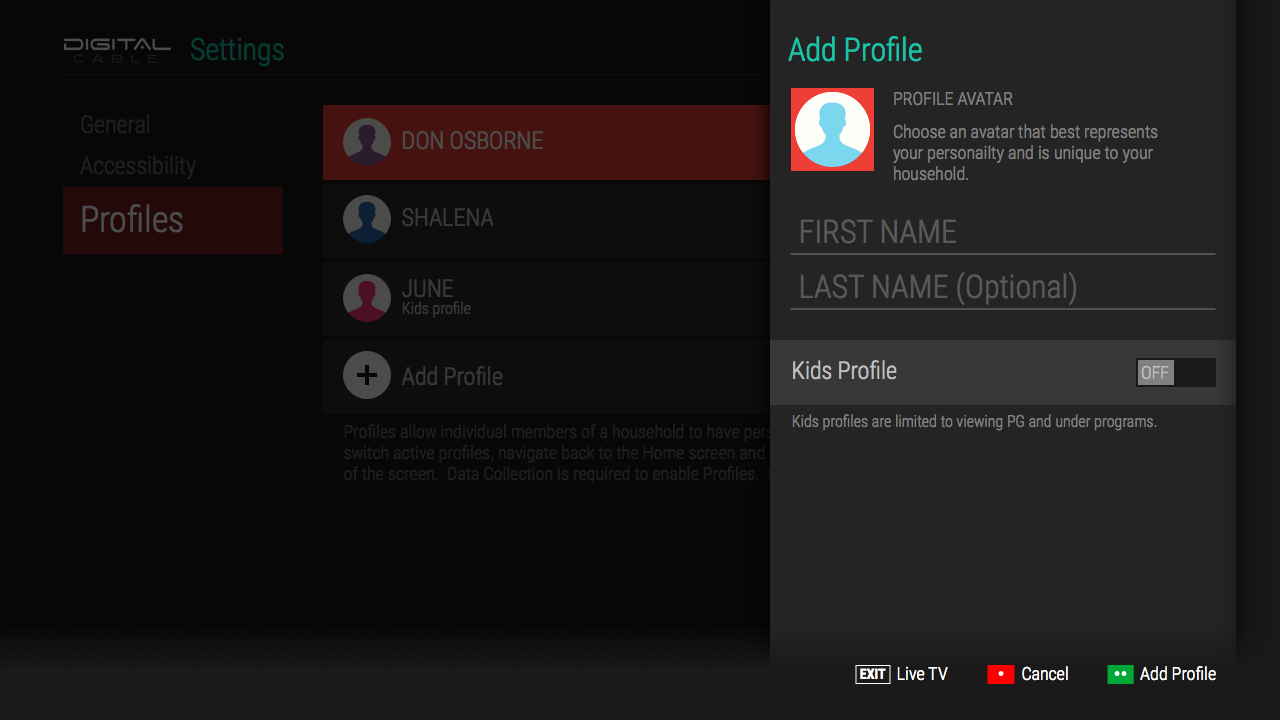
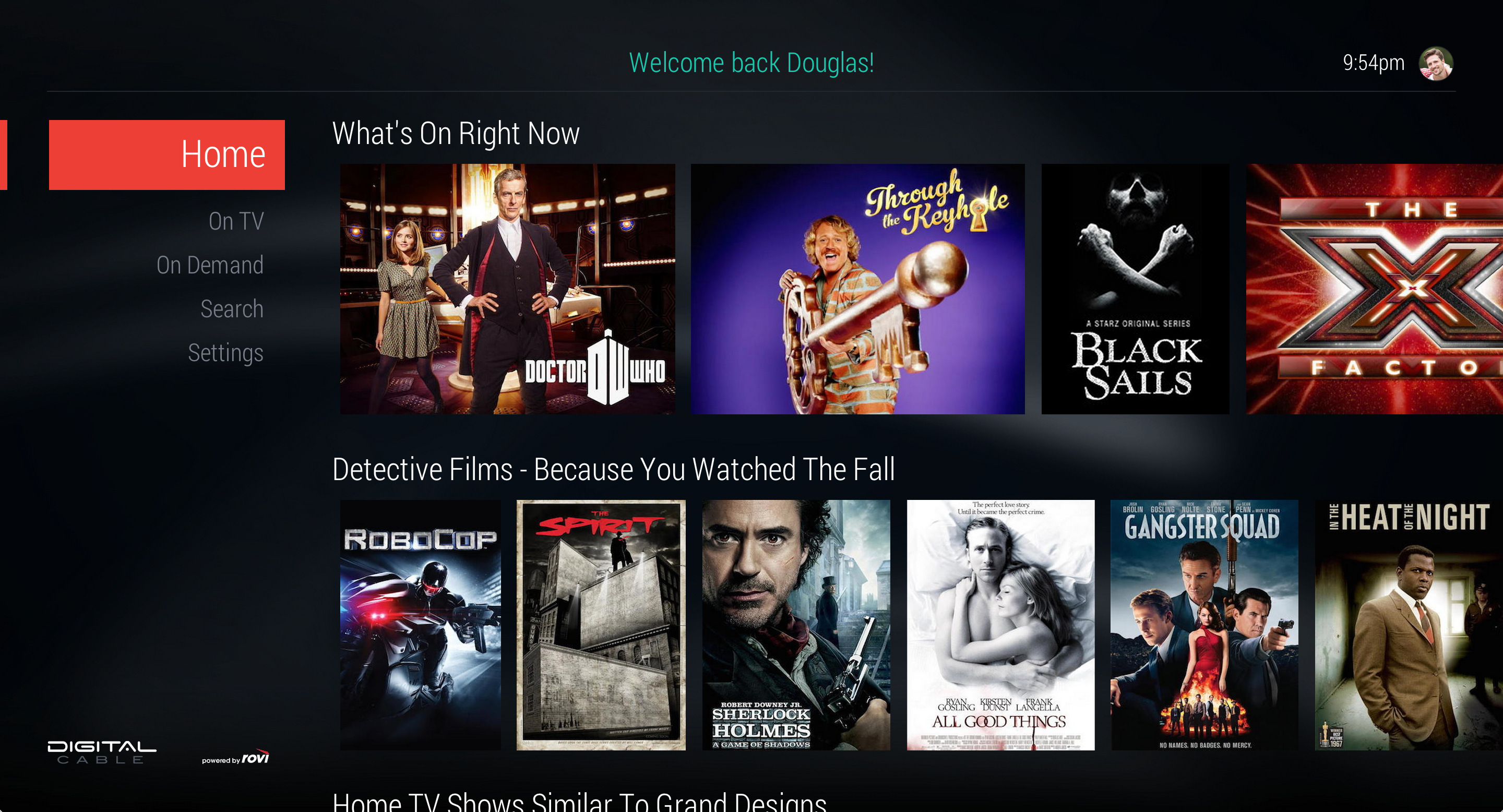
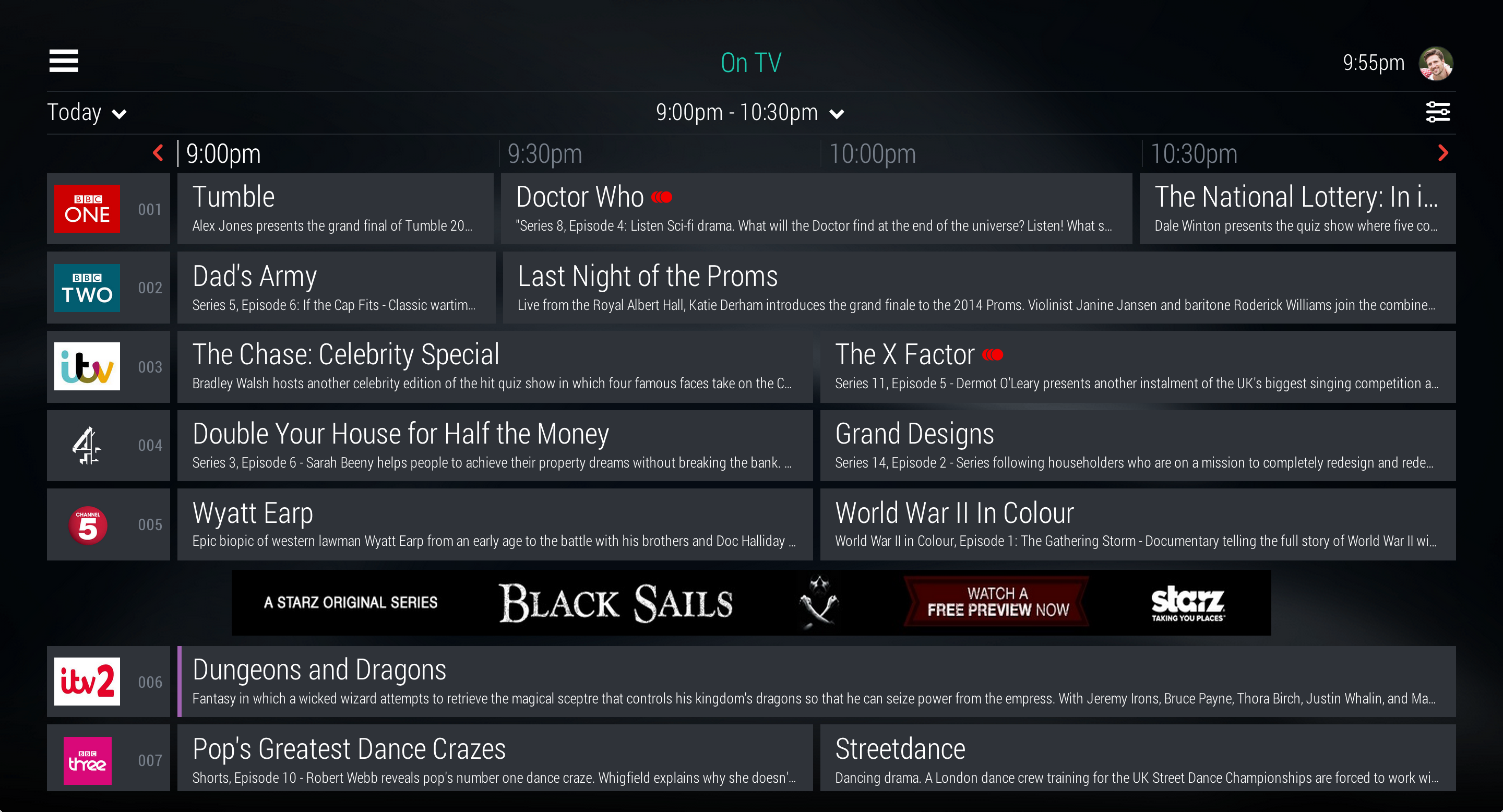
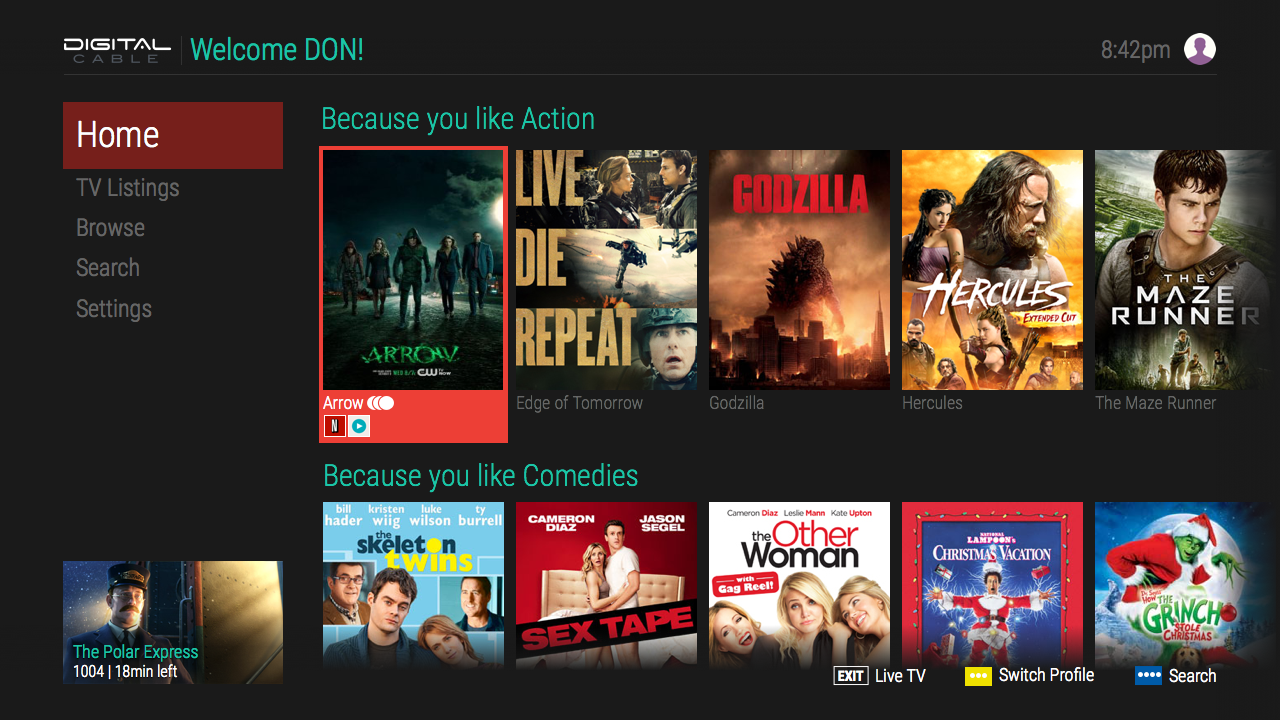
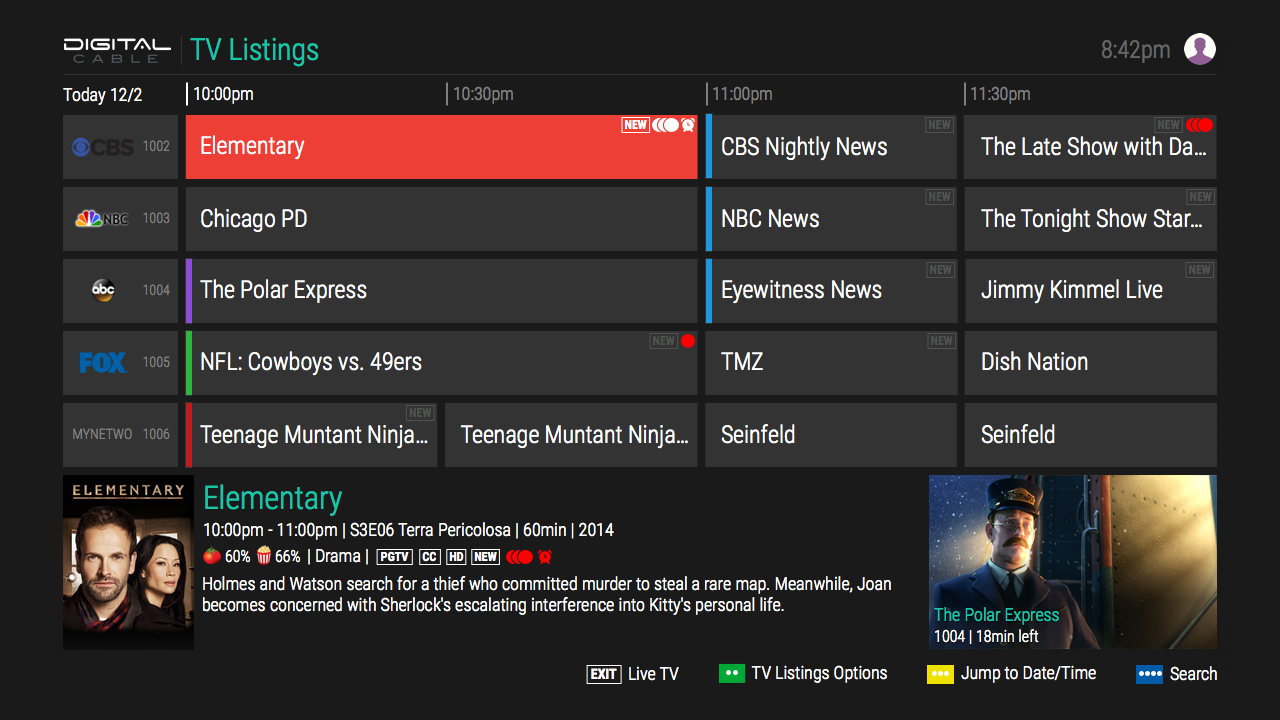
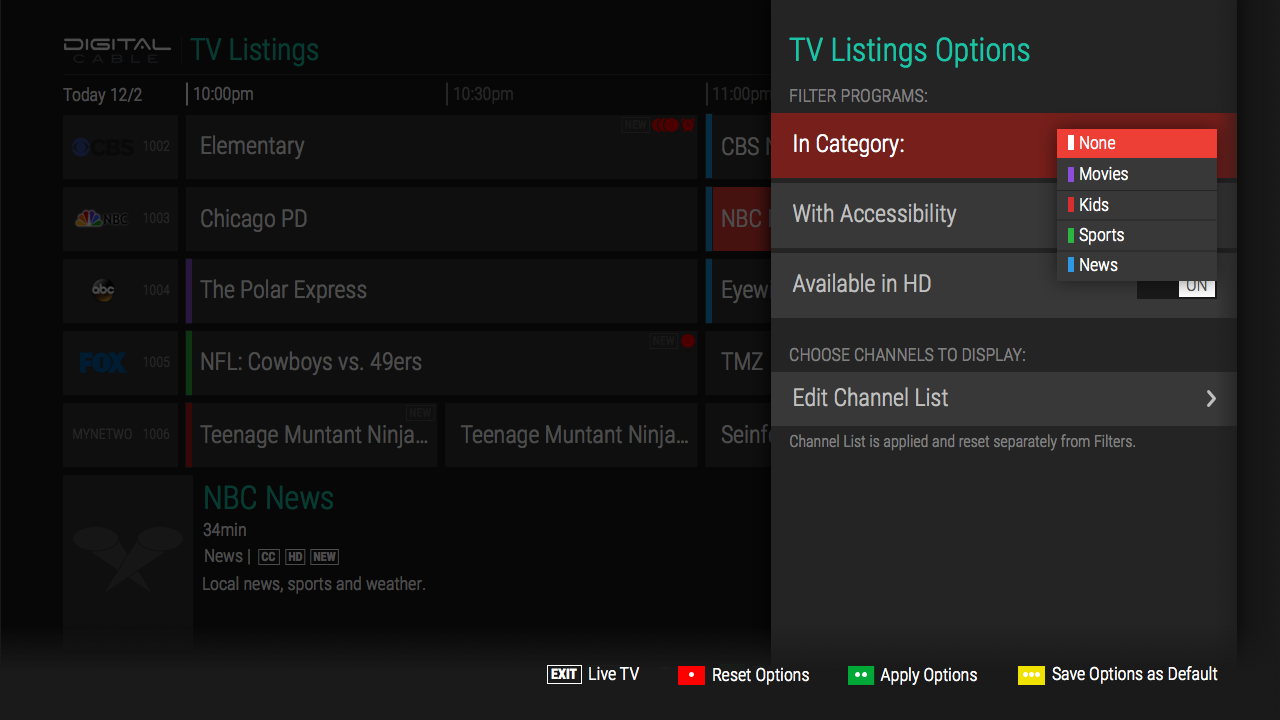
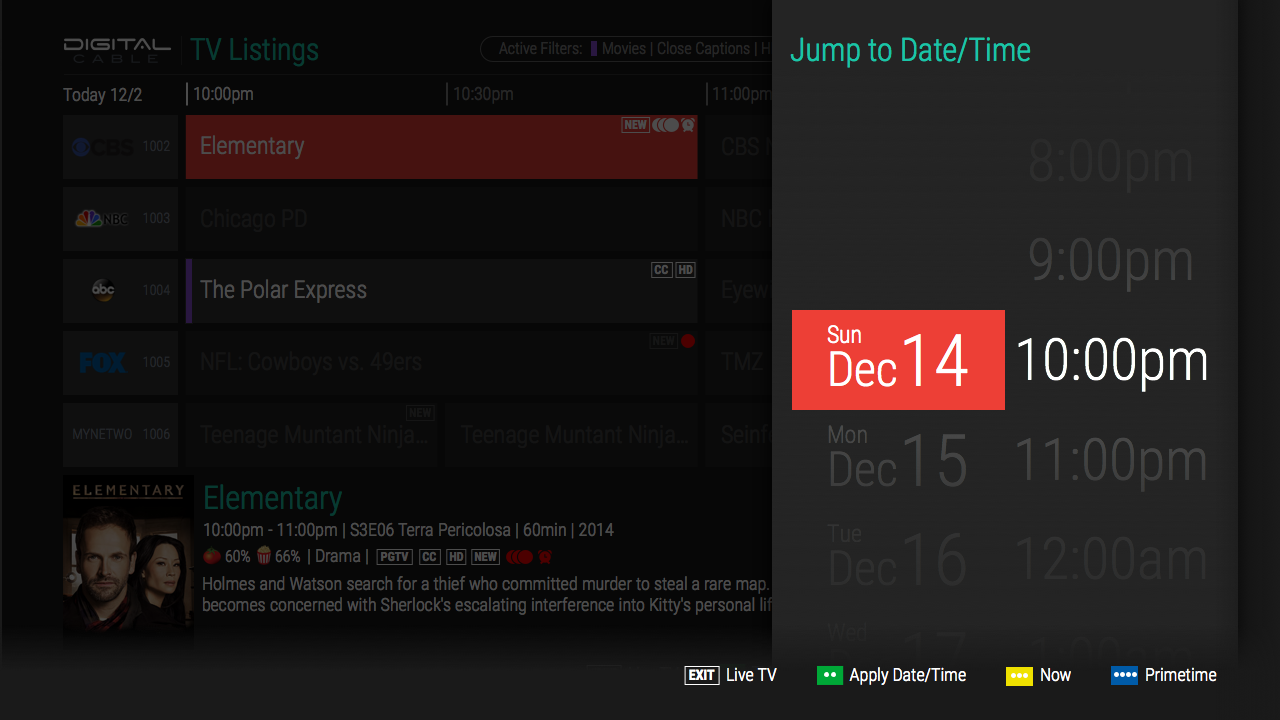
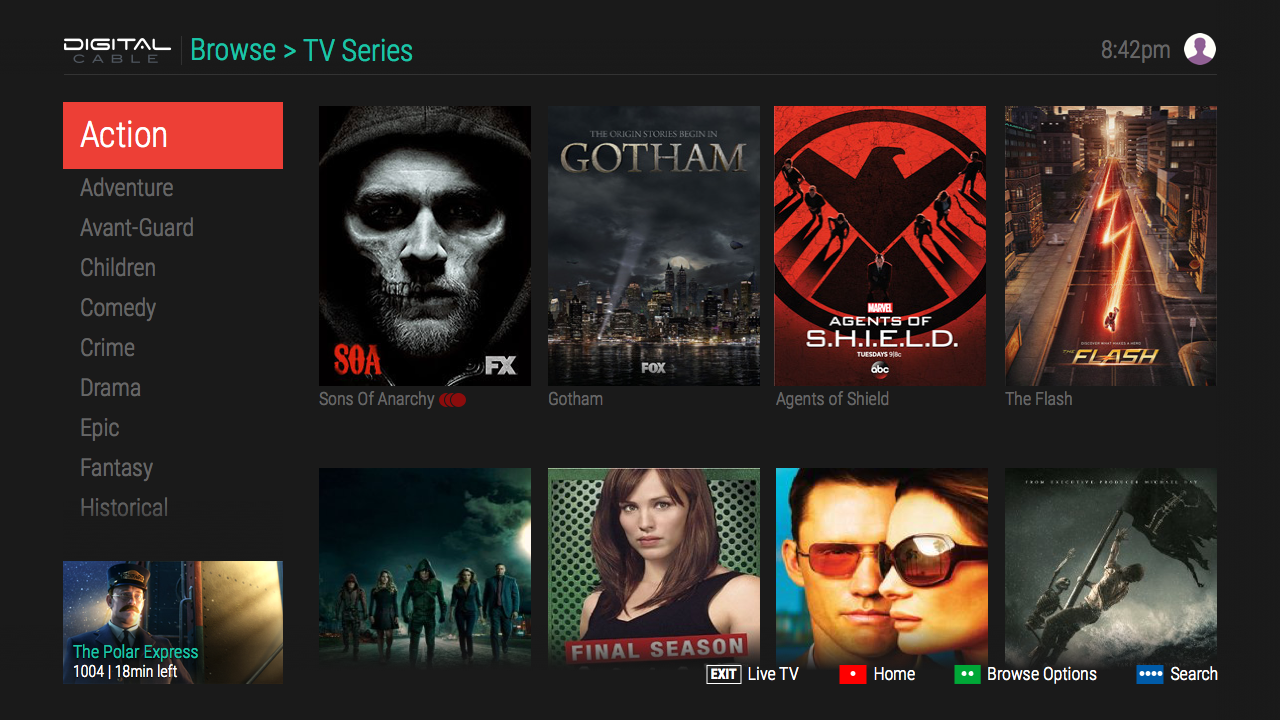
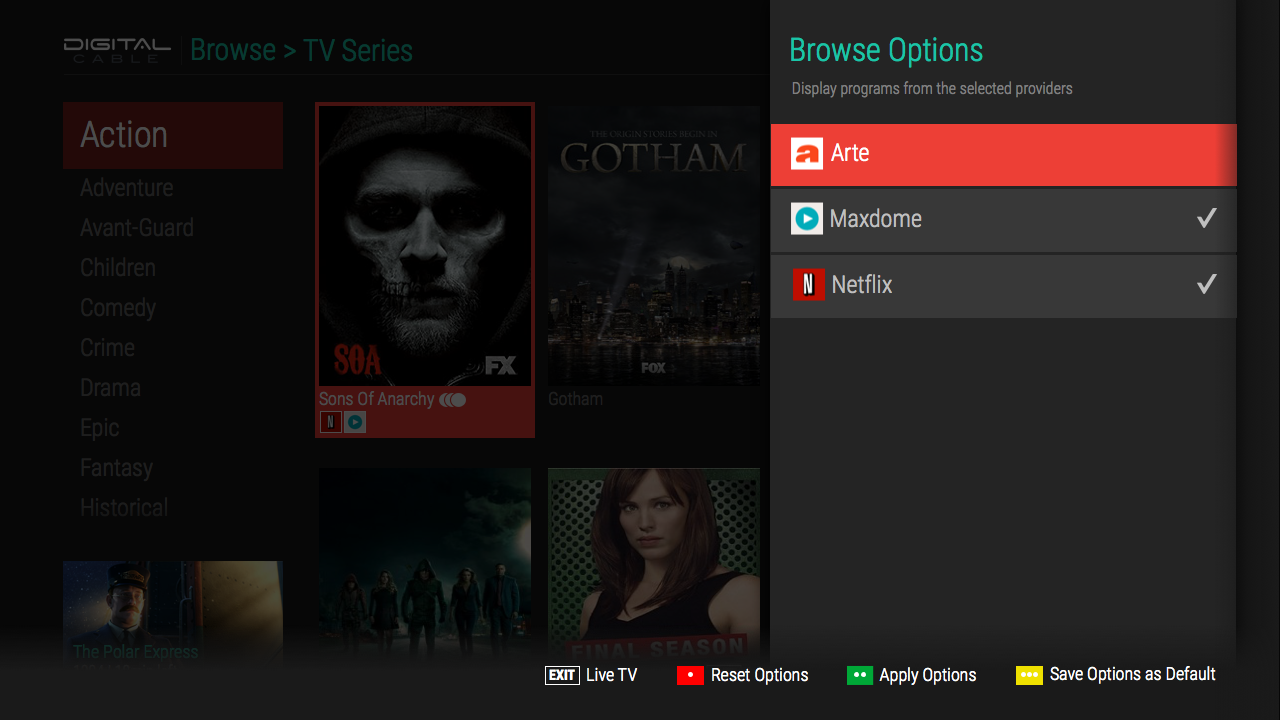
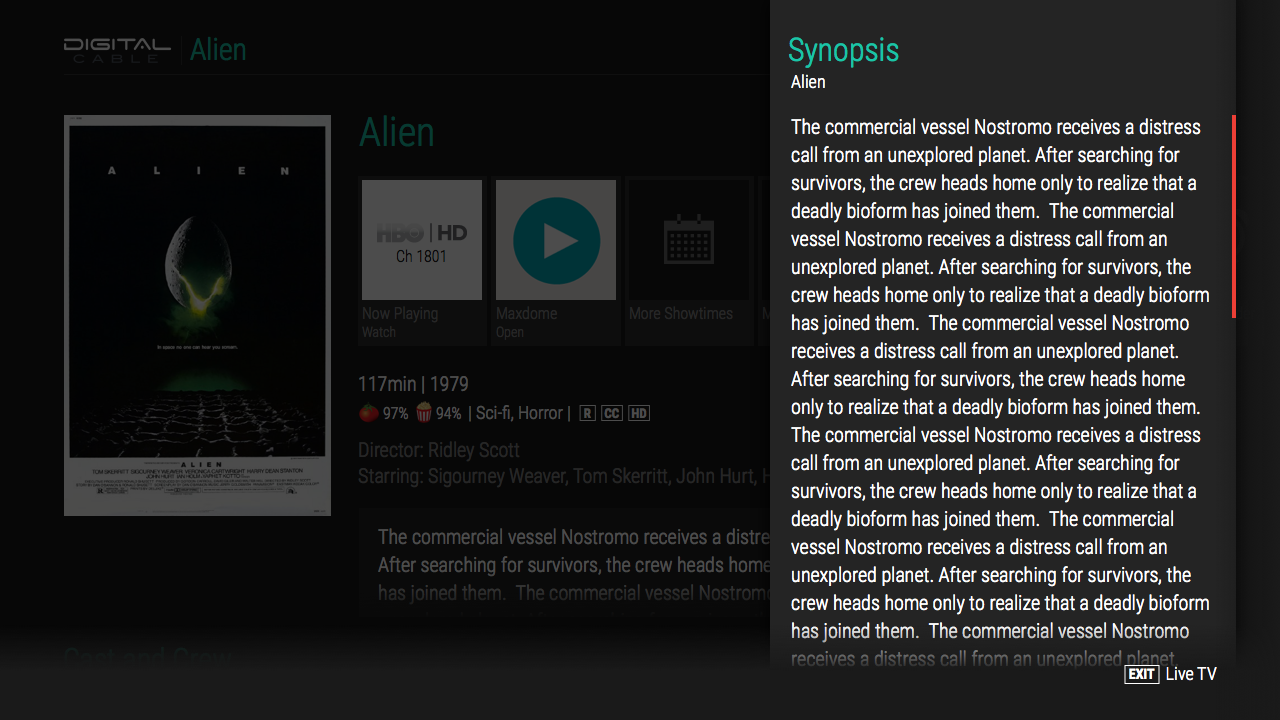
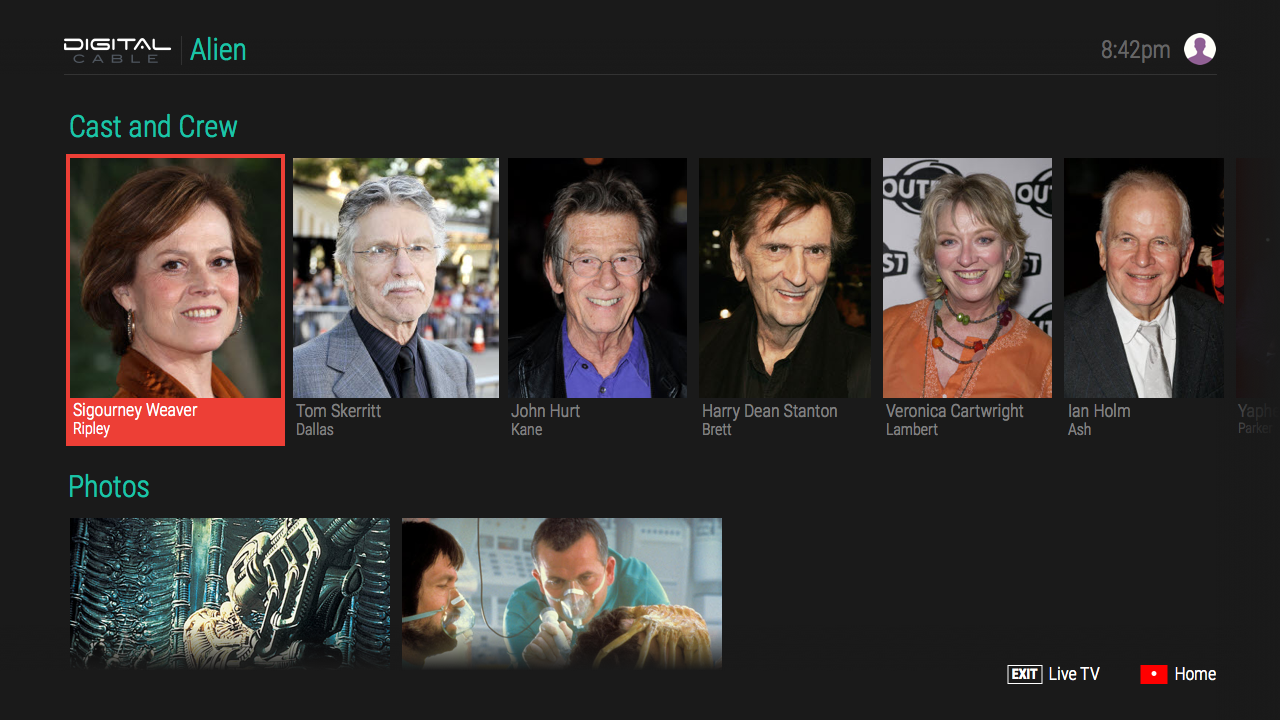
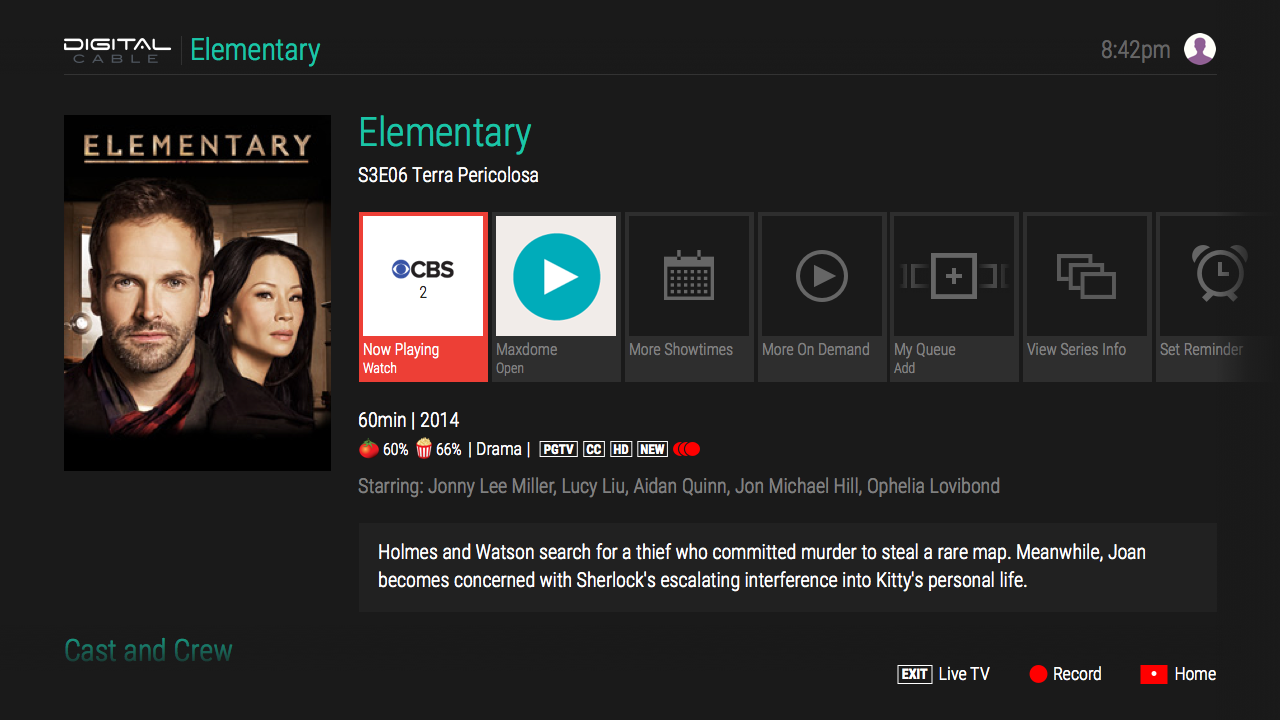
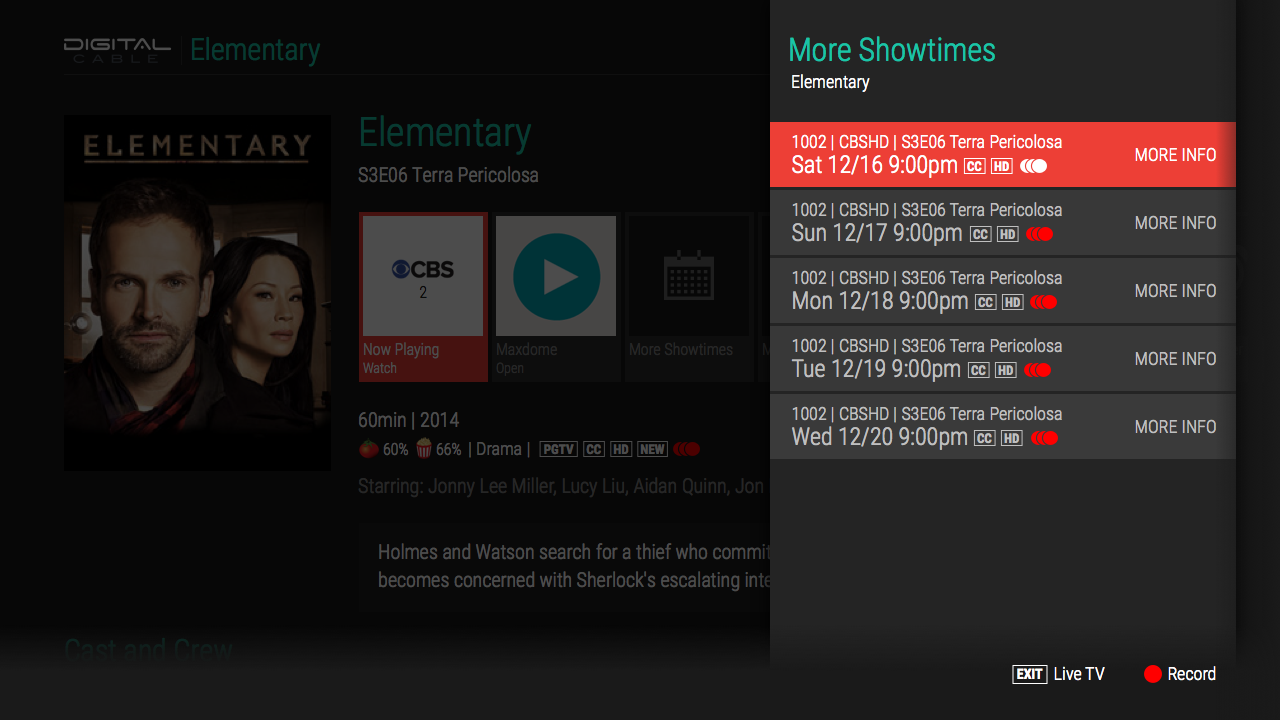
Starting with the design concepts, I modified them to allow for extensive remote (D pad style) navigation, highlighting anything that was selectable in the primary color while retaining context for location with a faded primary color when entering a subsection or menu. Badges on TV shows in the guide provide important information about whether an episode is new, is set to record a single episode or series, or has a reminder to watch set. Slide out and stacking panels (from the right of the screen) were used to keep context with the main underlying screens, allowing for more info and configuration changes to happen in place with out navigating away from the content. On screen contextual buttons (at the bottom of the screen) mapped to physical buttons on the remote to allow quick access to functions without having to navigate by arrow keys across many selectable areas on screen.
Search Solution
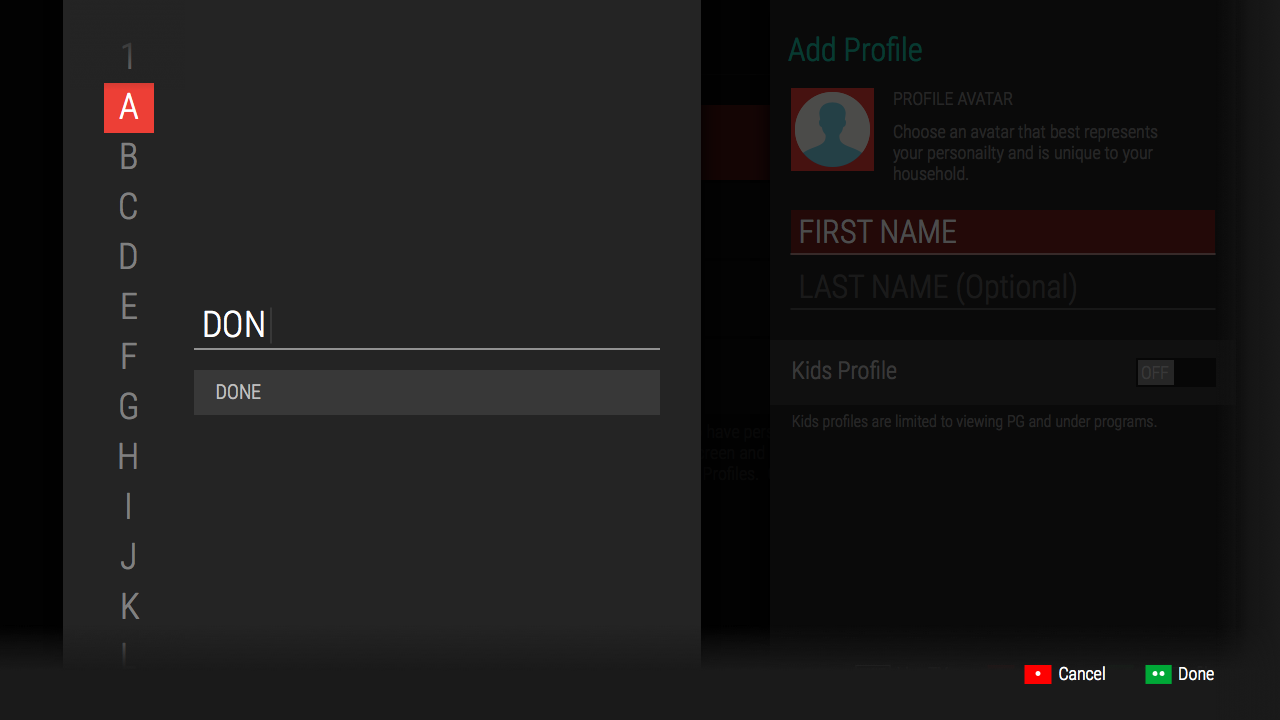
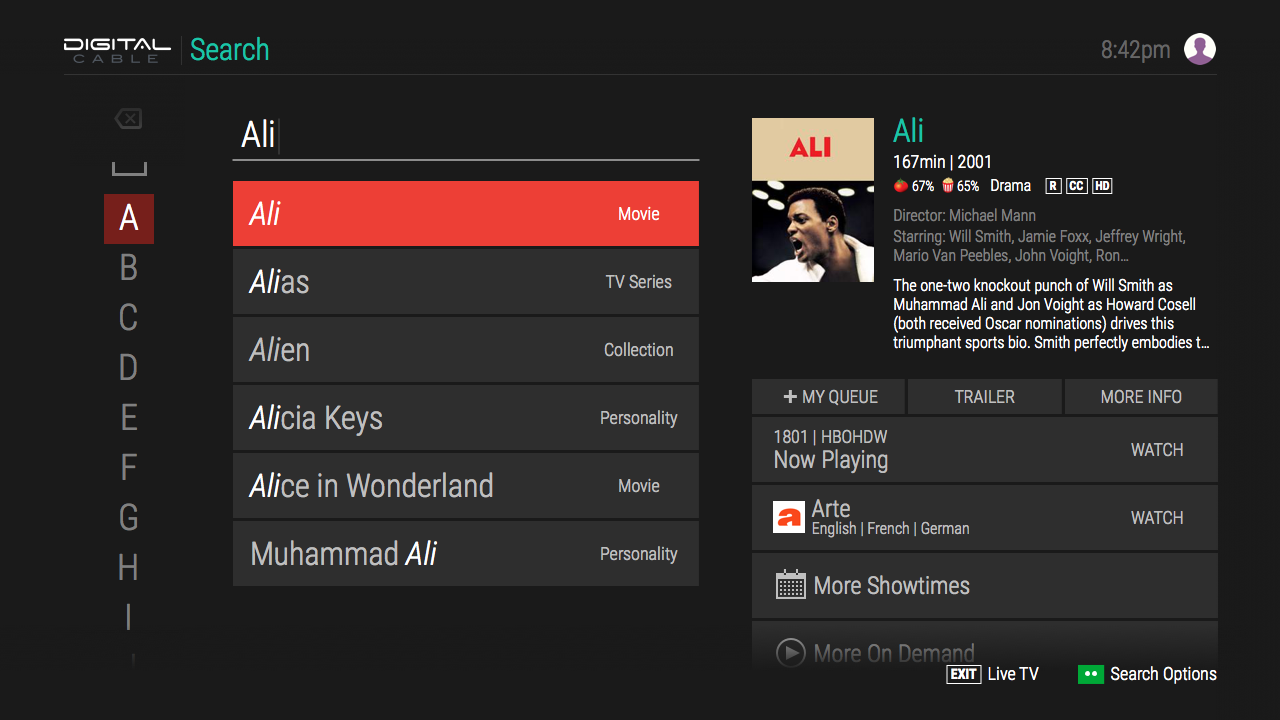
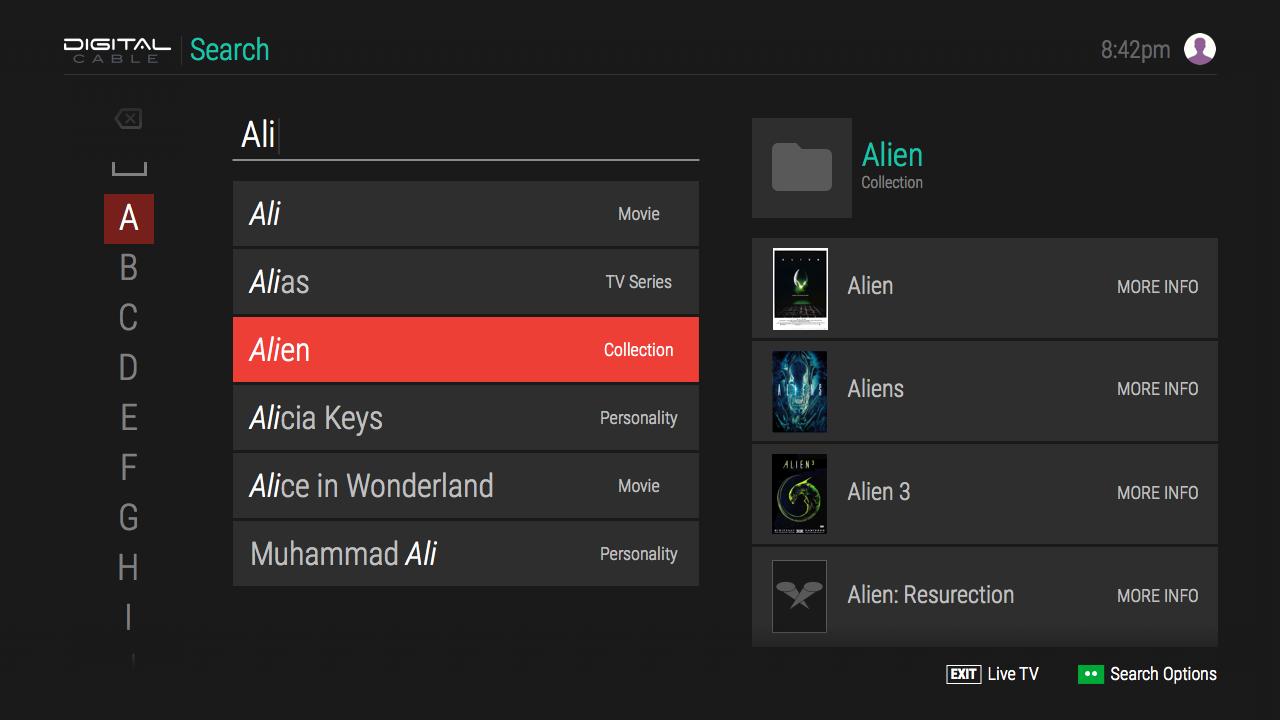
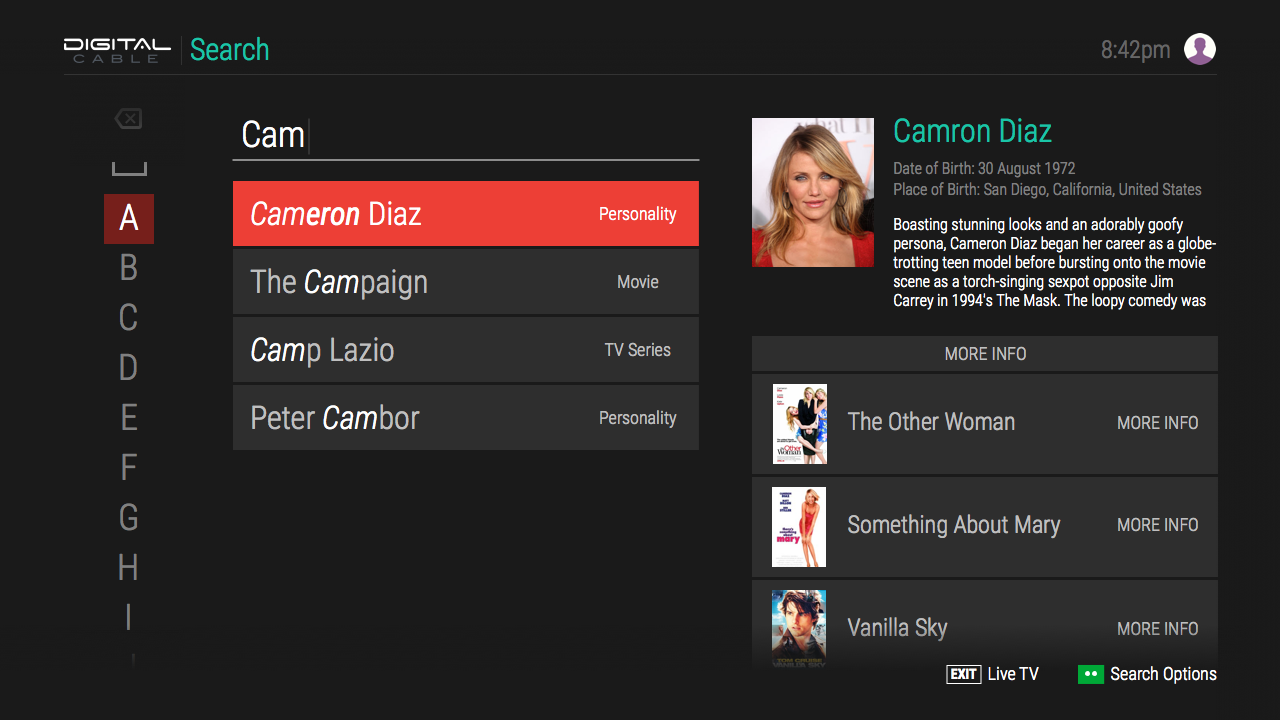
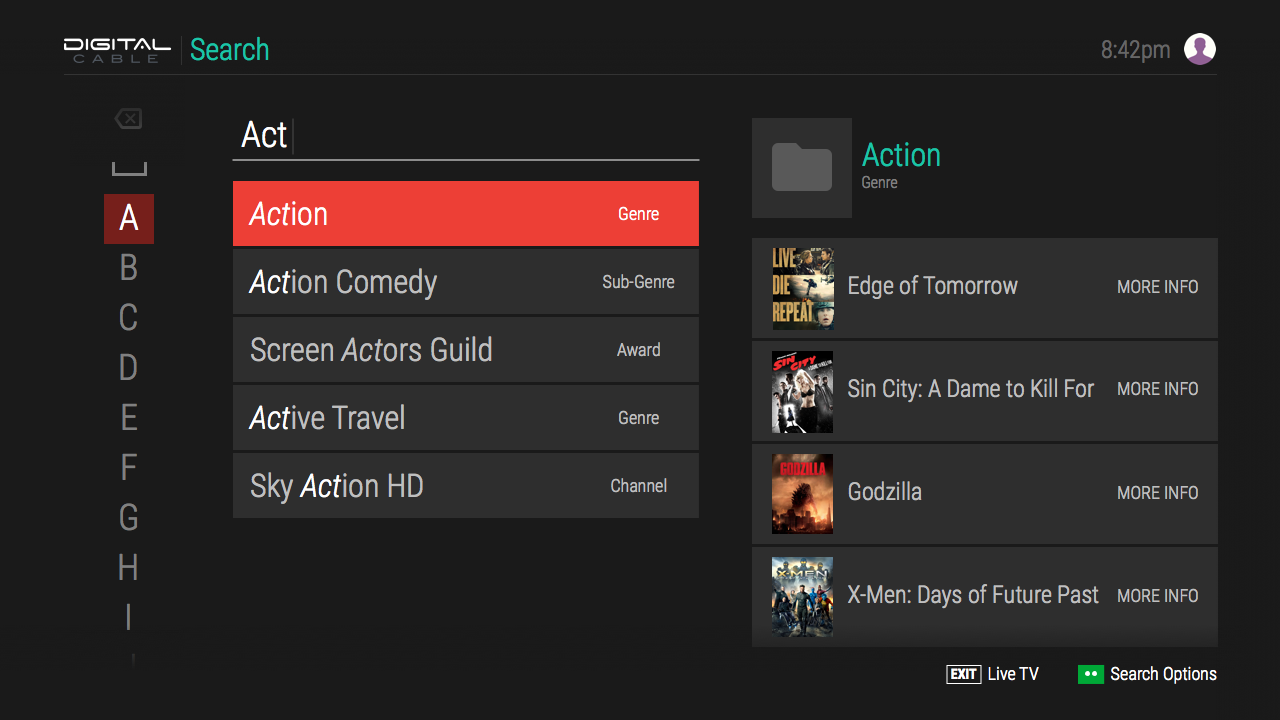
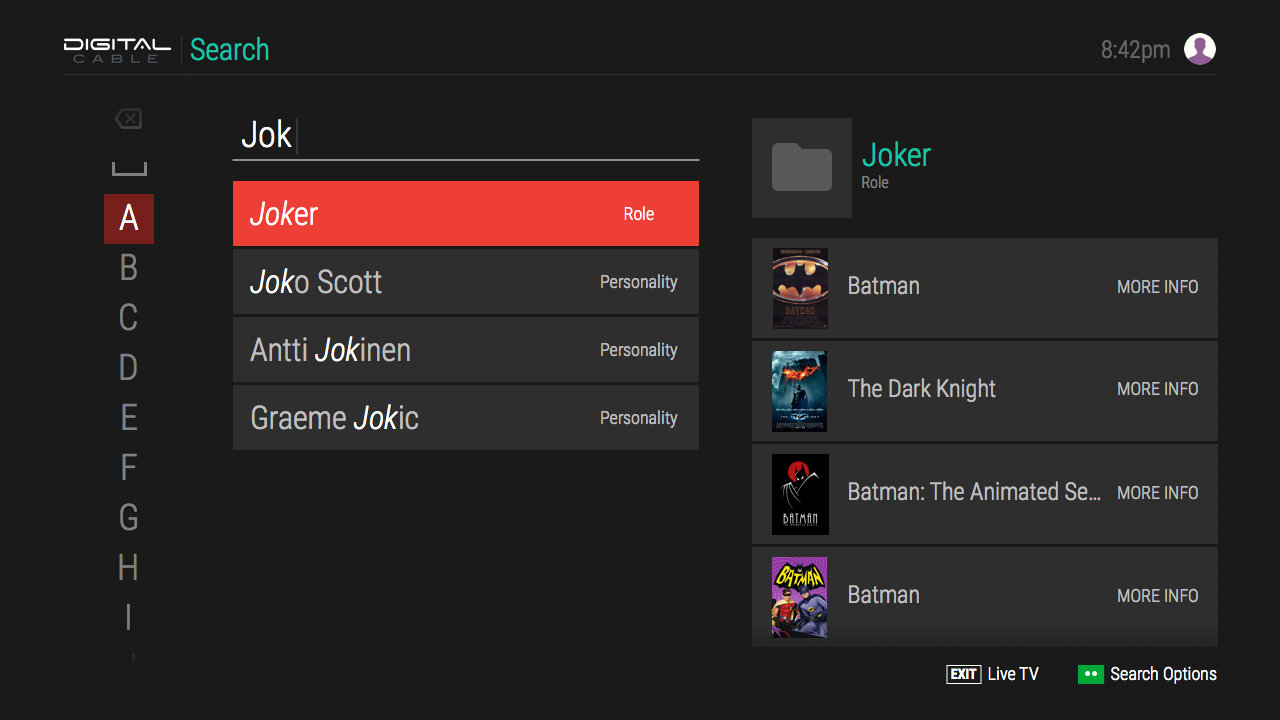
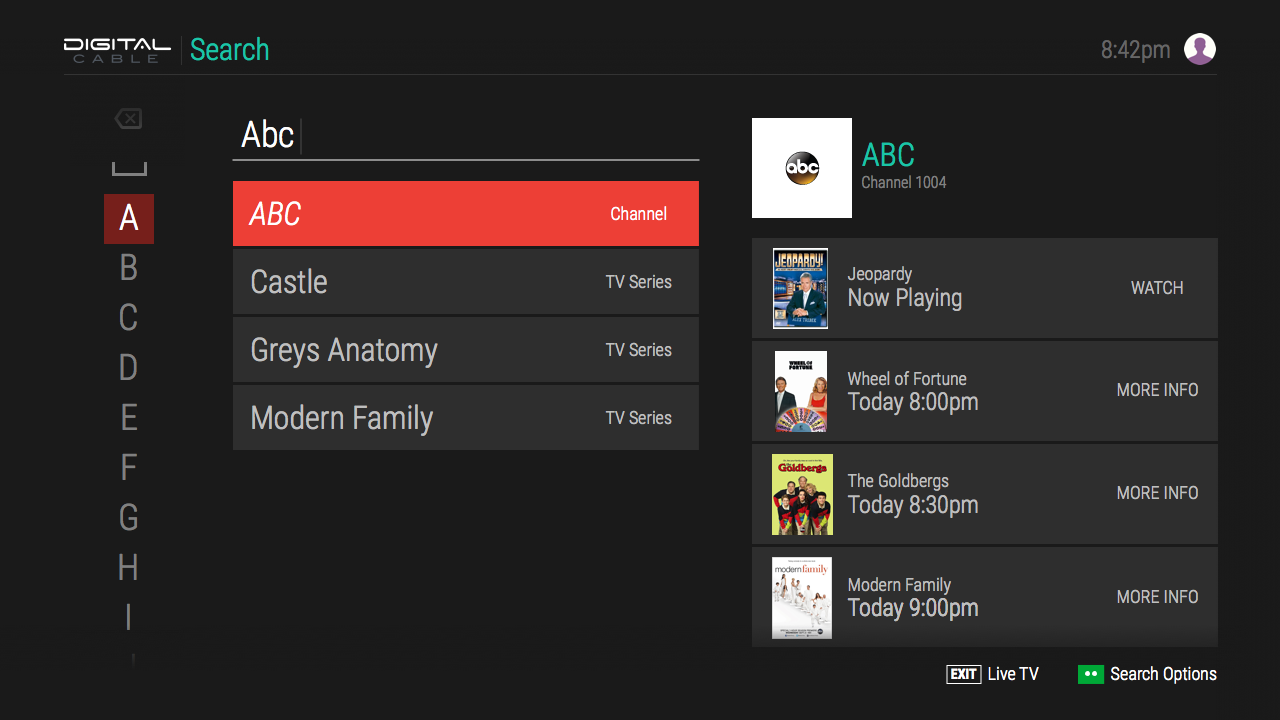
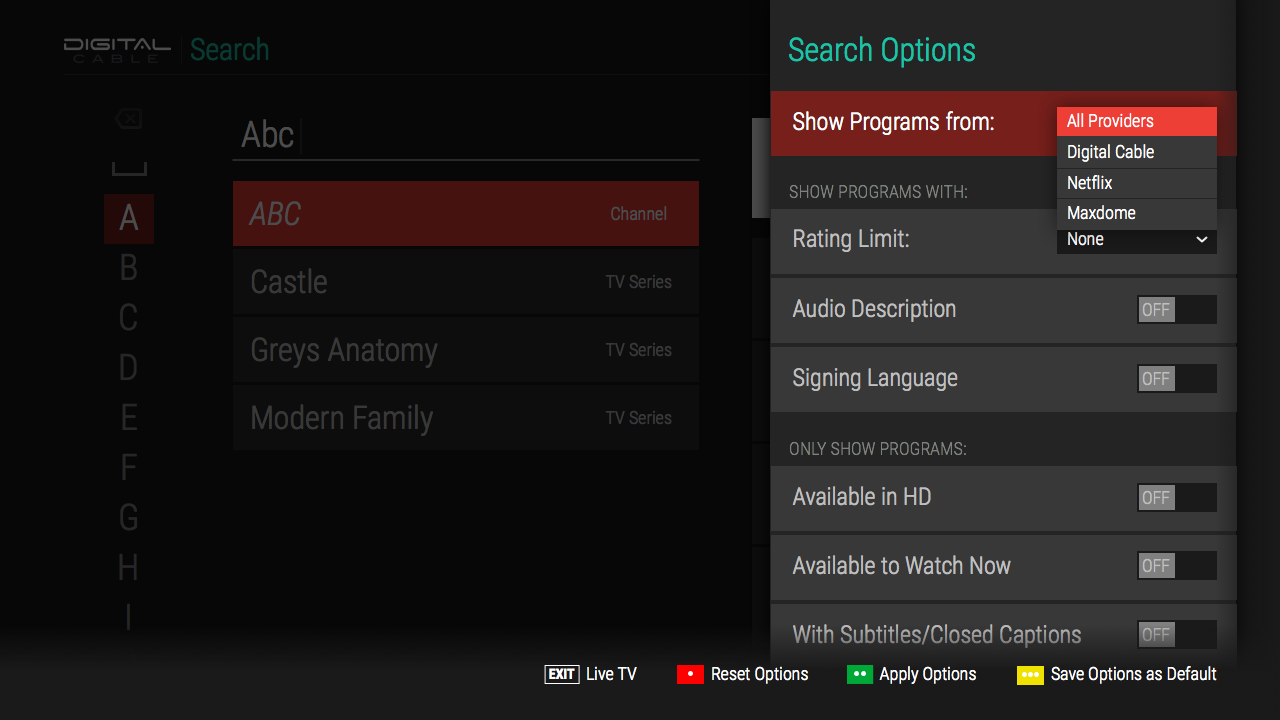
Several on screen keyboards and layouts were tested but ultimately a vertical keyboard was chosen to continue the left to right section/detail paradigm used on other screens. After each character was selected on the keyboard, a search was run, returning relevant data in many different categories. Information returned included, TV series, movies, collections, personalities, channels, roles, genres, sub-genres, decades, and languages. Each type of selection would yield different browsable data. This leaned heavily on the Rovi TV API that many companies licensed for its wealth of data. Search would essentially allow you to browse the entire Rovi database, returning relevant TV and Movies that you could watch with just a tap.
TV/Movie Detail Solution
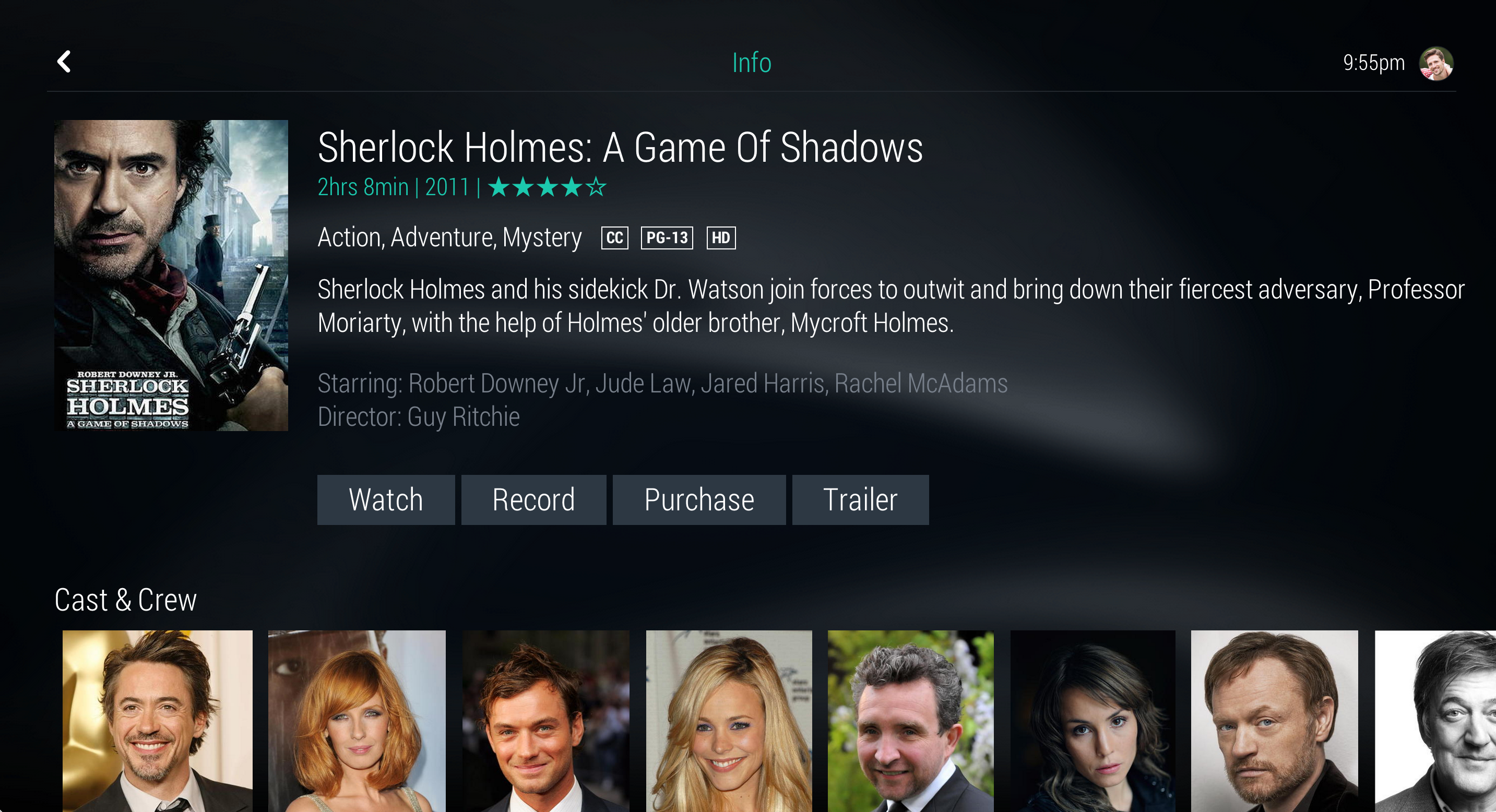
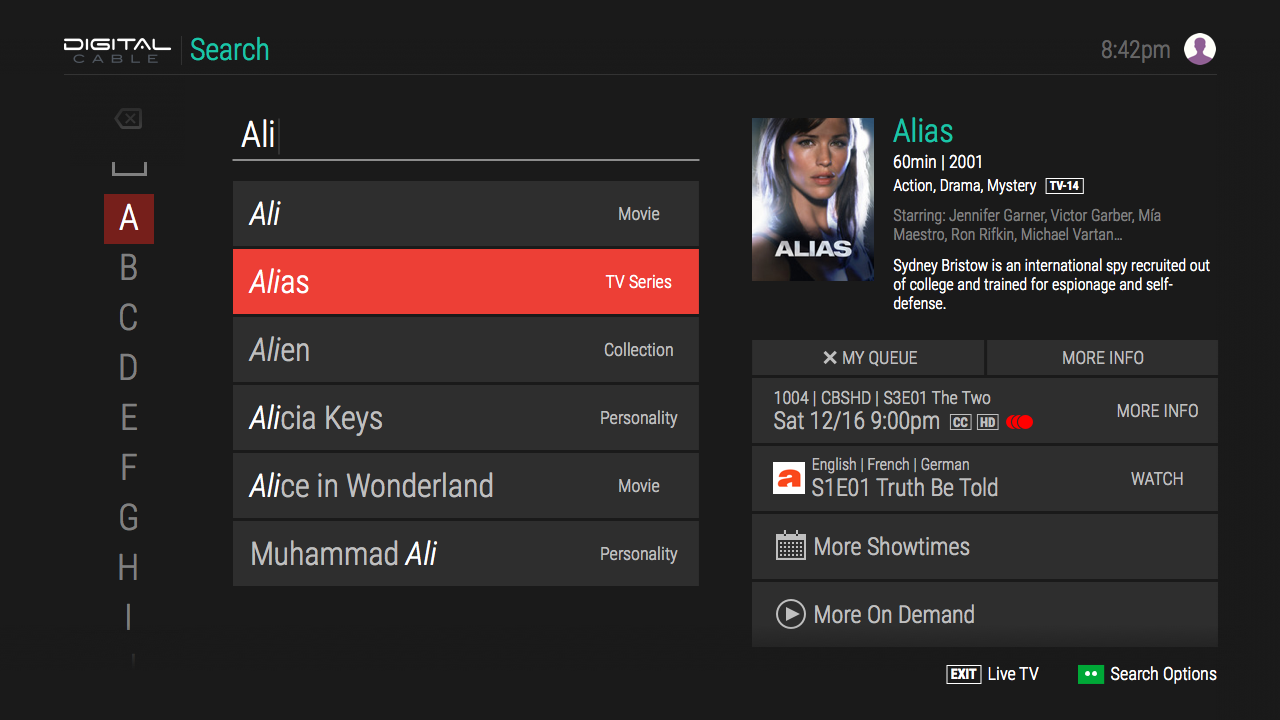
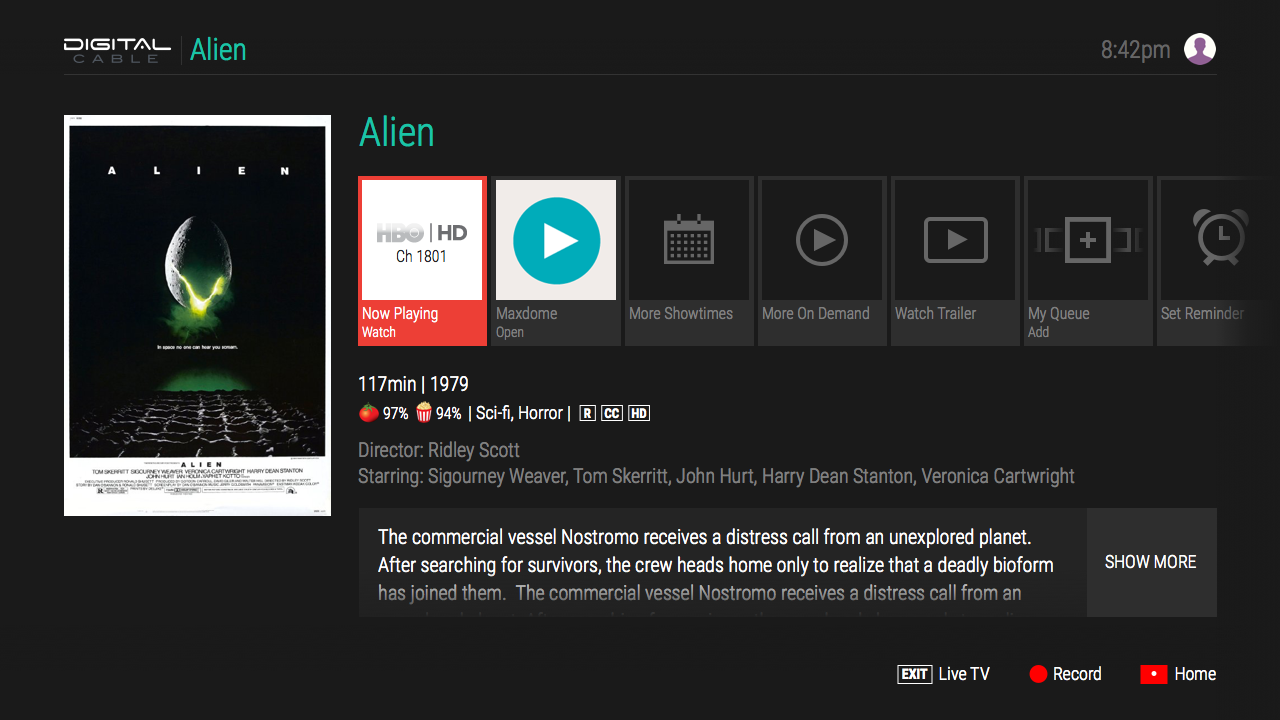
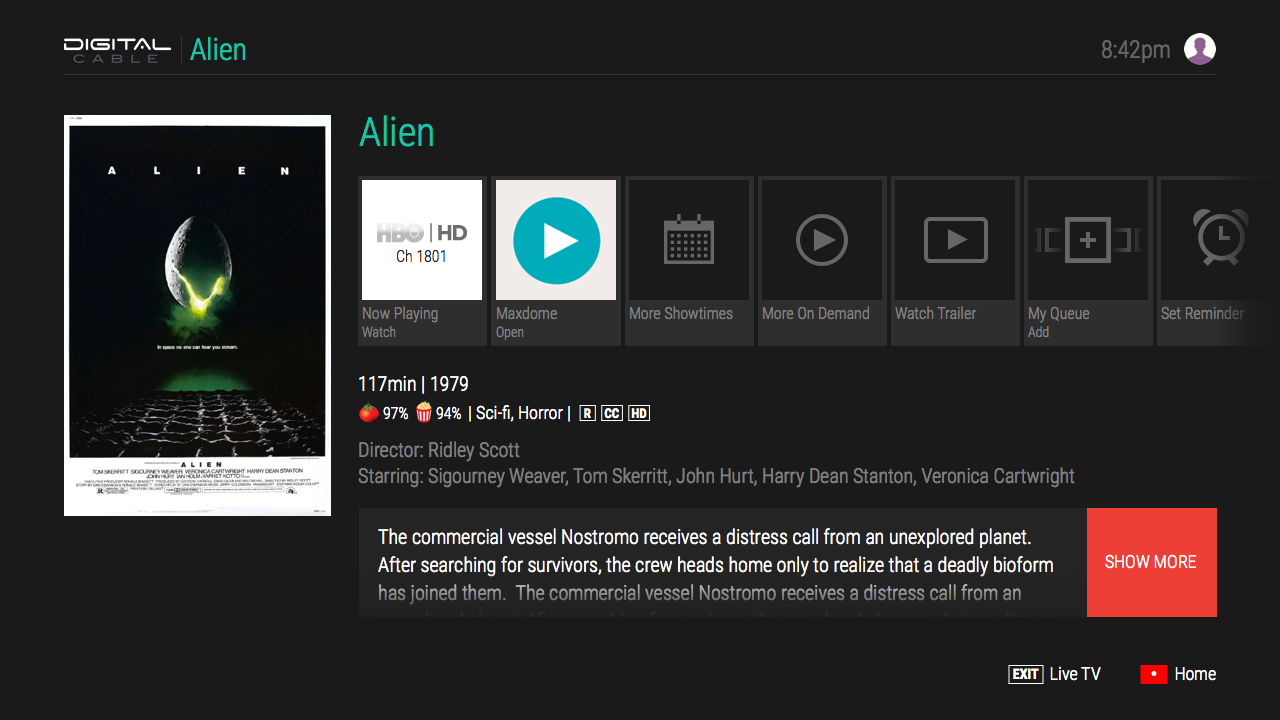
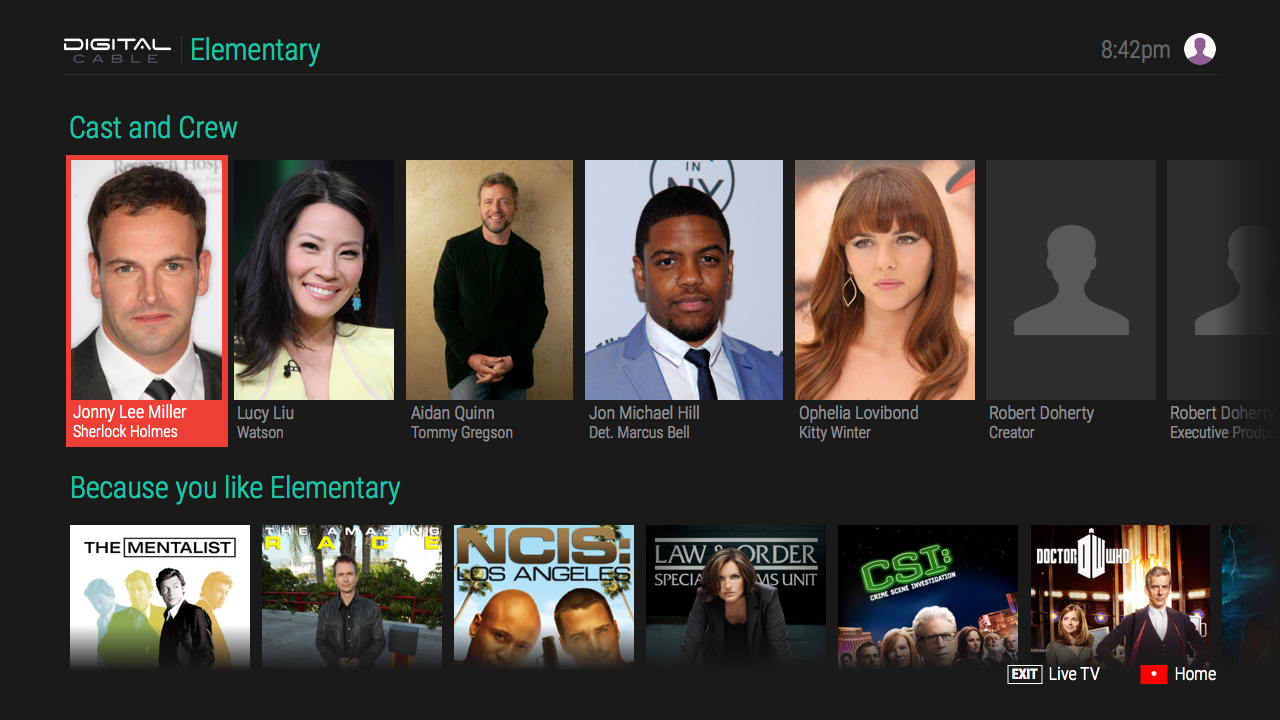
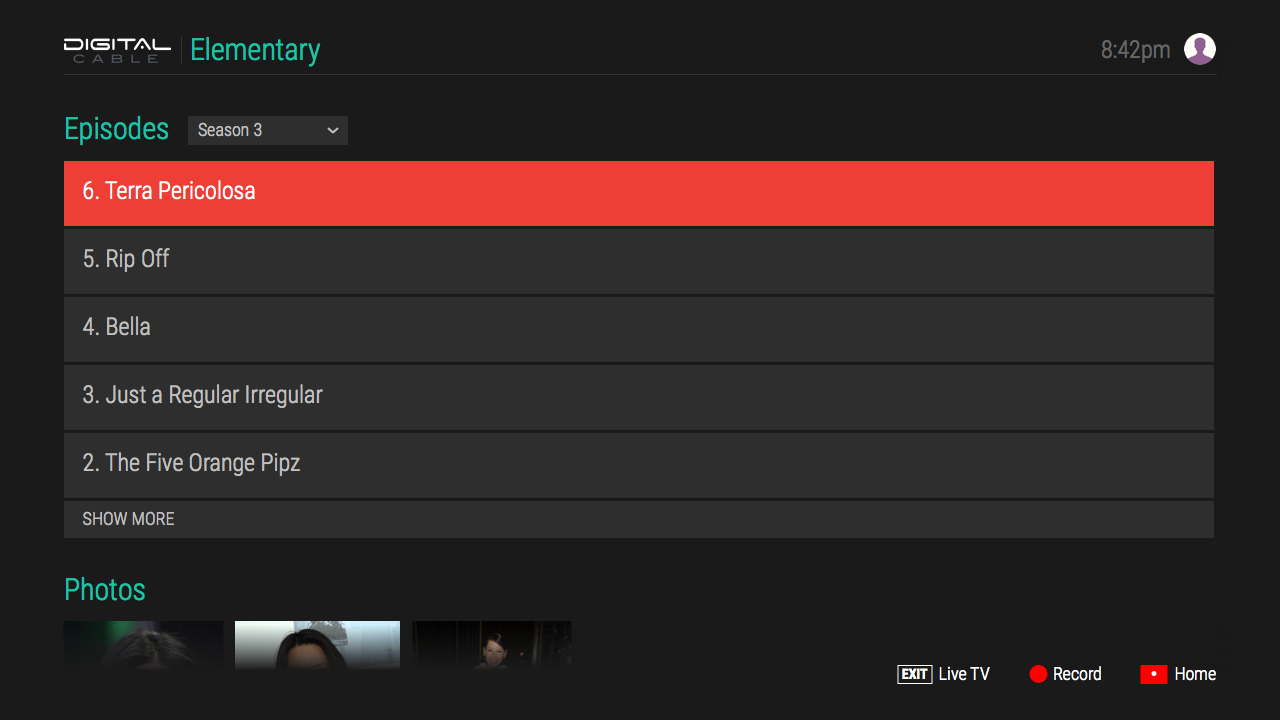
The detail screens had to be be designed in a way to accommodate many combinations of channels, recording options, reminders, trailers, and on demand services. Other data that was available, but not always present, was show descriptions or celebrity bios, photos, cast and crew, and recommended/similar titles. TV shows allowed for browsing additional episodes as well.
Settings Solution
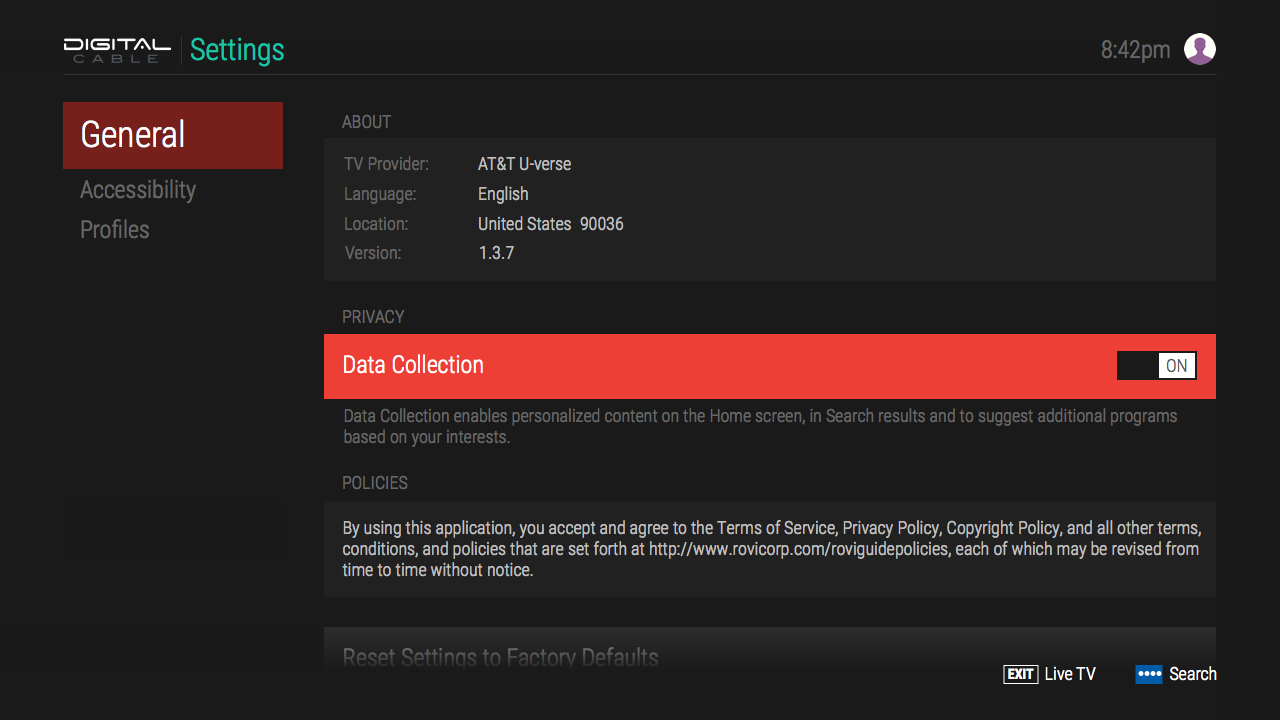
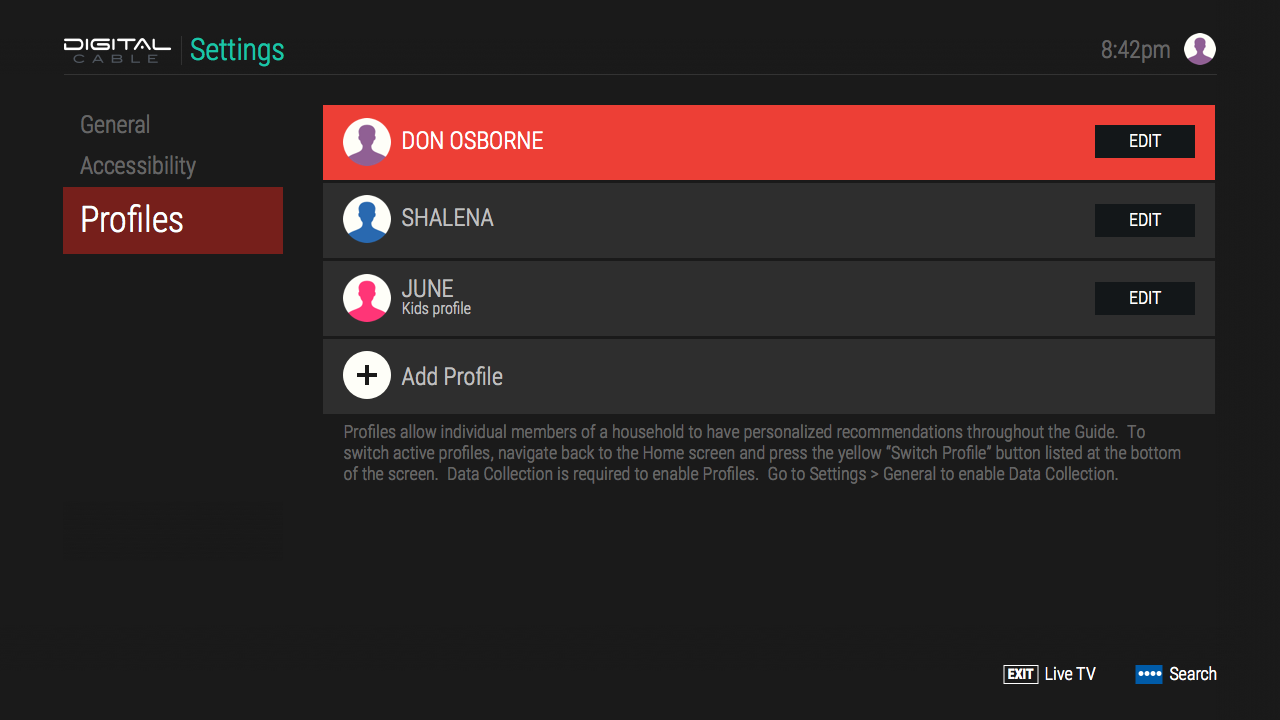
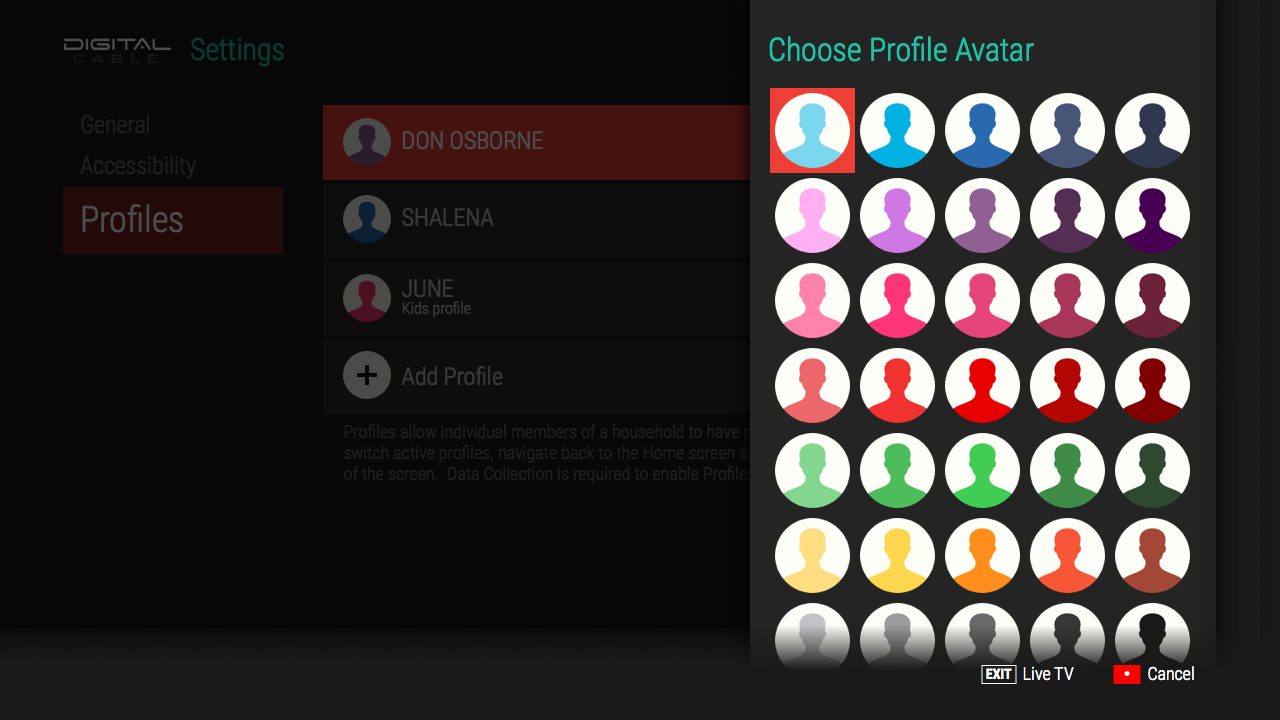
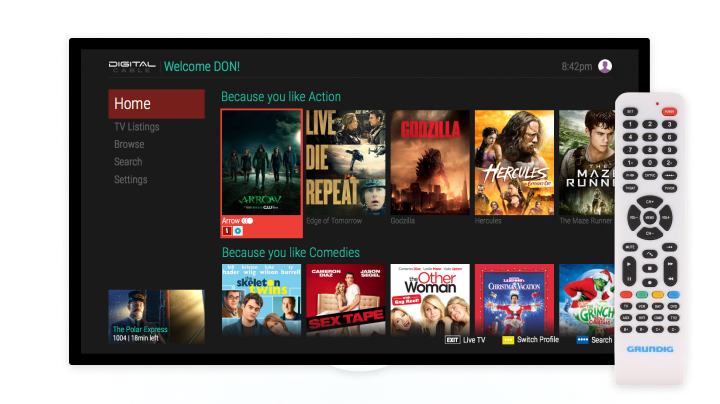
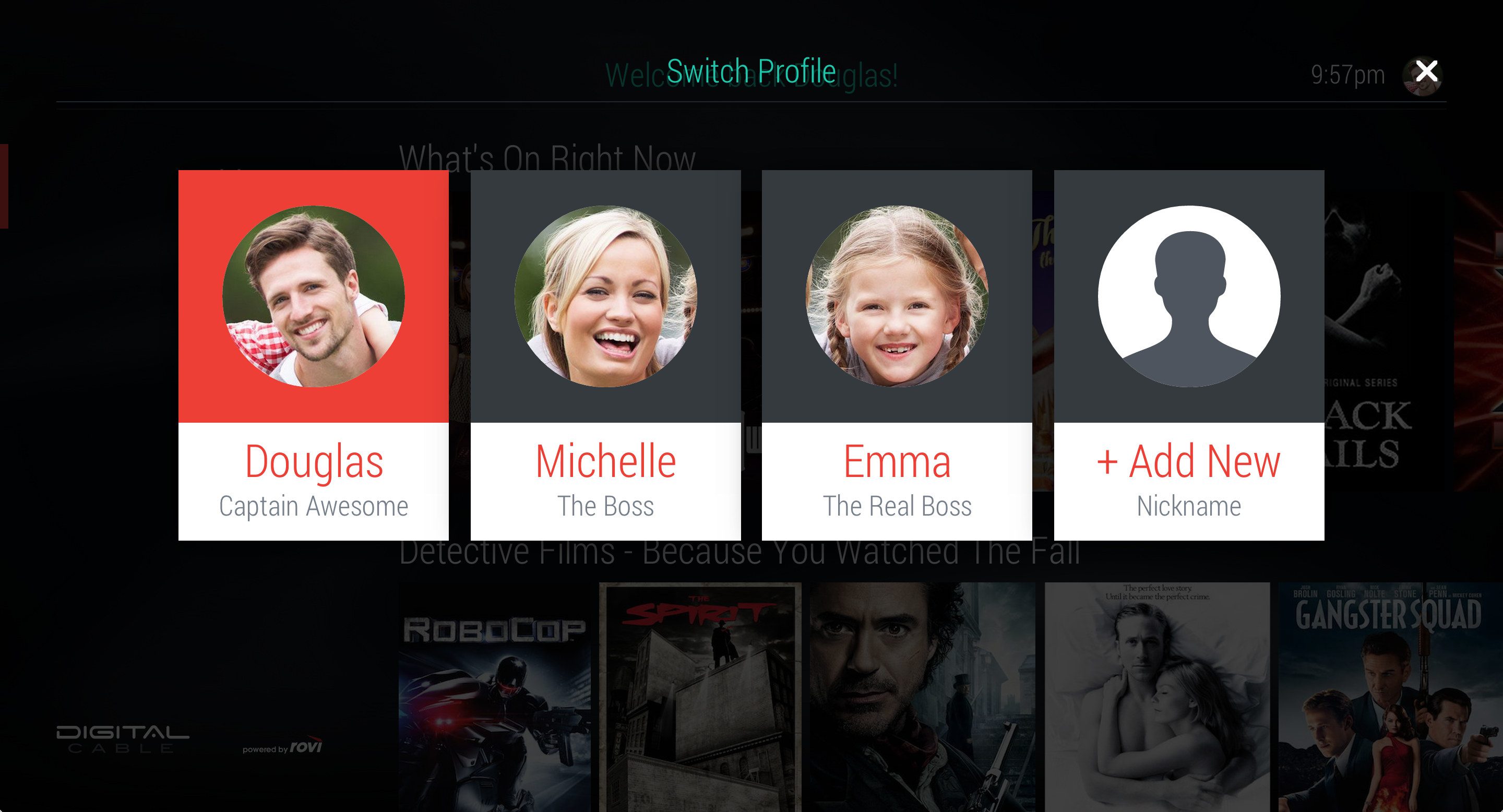
Settings required several new patterns when it came to profile creation and management. The on screen keyboard designed for search was able to be reused here for name entry. A selection of profile icons in different colors provided a quick reference in the upper right of the screen as to which profile was currently active.